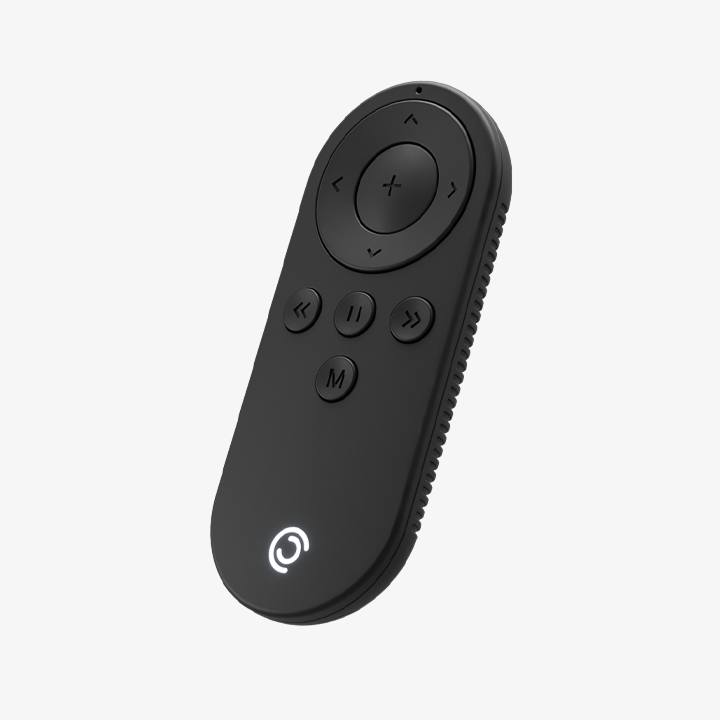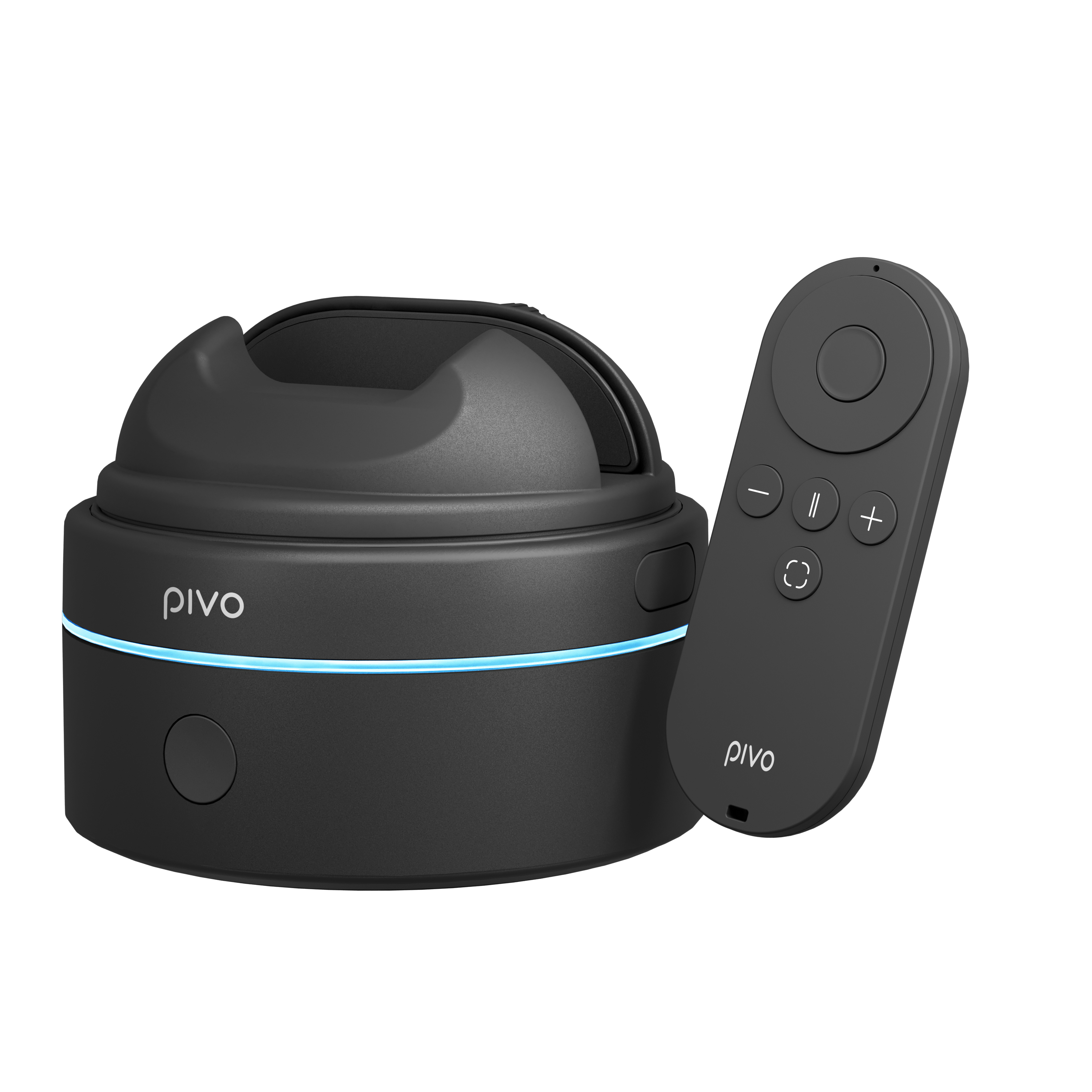


Two variants: Standard Remote for Pivo Pod · Max Remote for Pivo Pod Max. Select the variant that matches your device.
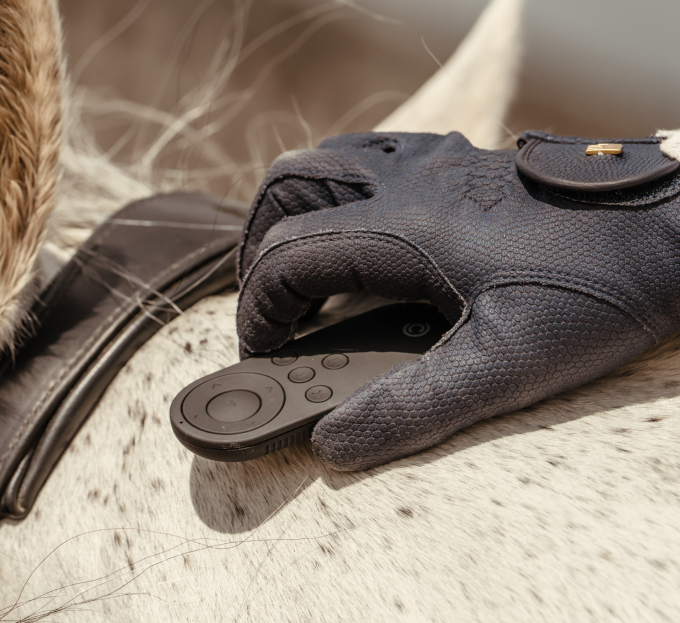
Control your sessions without breaking your riding flow.
Remote Control
Remote Control
Remote Session Control
Hands-Free Recording Start/Stop
Long-Range Arena Use
BUNDLE & SAVE
Couldn't load pickup availability
Shipped by Pivo
 Normally ships within 2 days.
 Free standard shipping on orders over $100 within the contiguous United States
 Free 30-day returns
Global Support
 support@pivo.ai
Payment Method
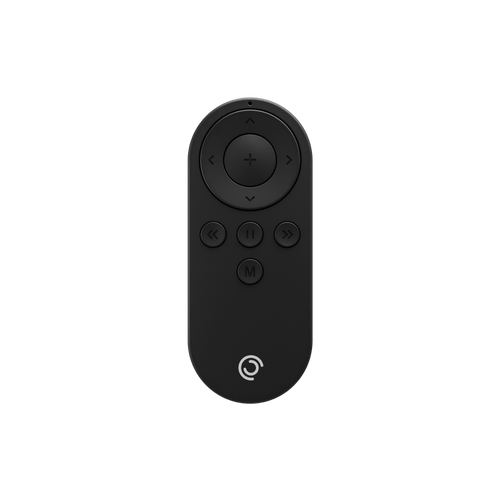
Remote Control


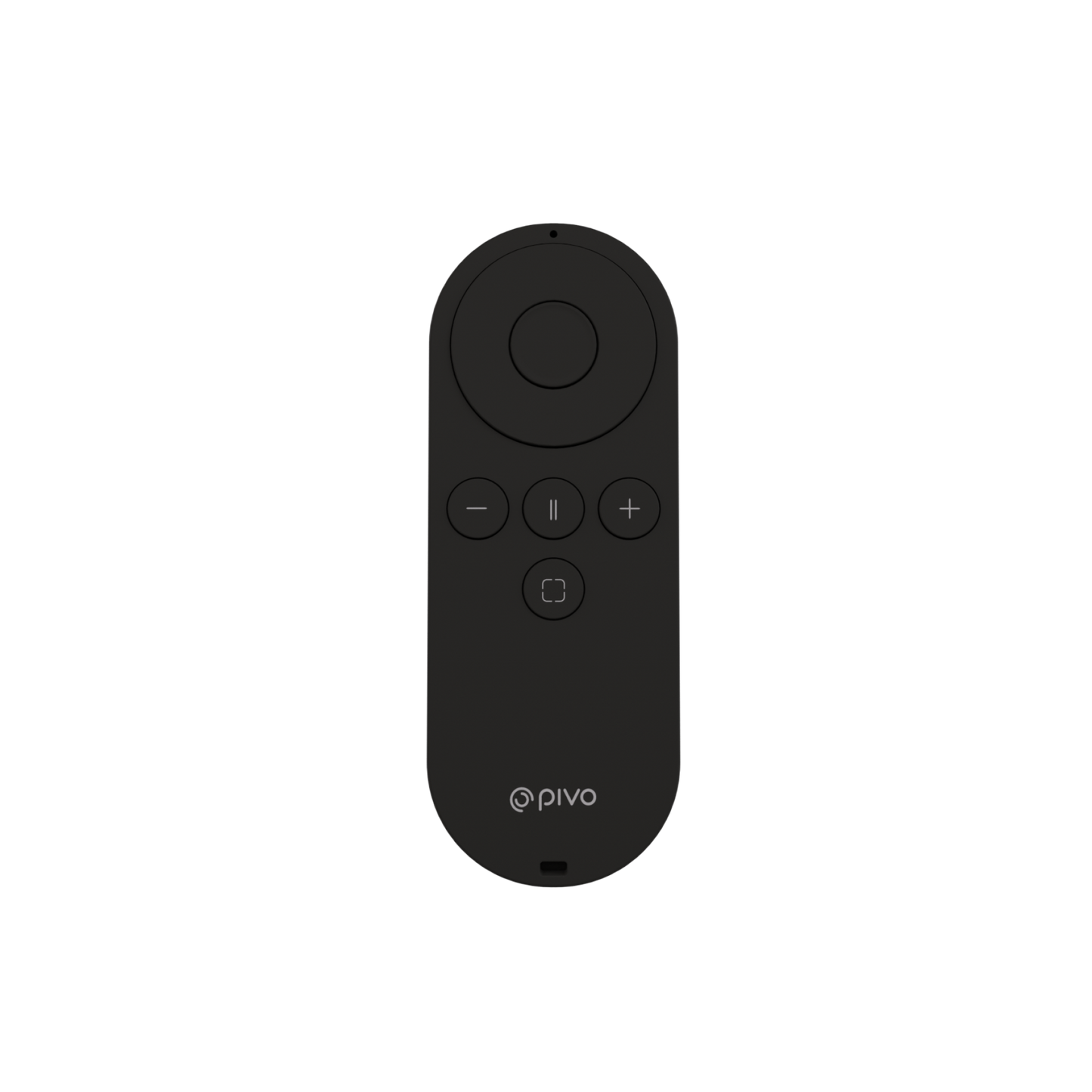

Pivo Remote Control
Control Your Session From Anywhere in the Arena
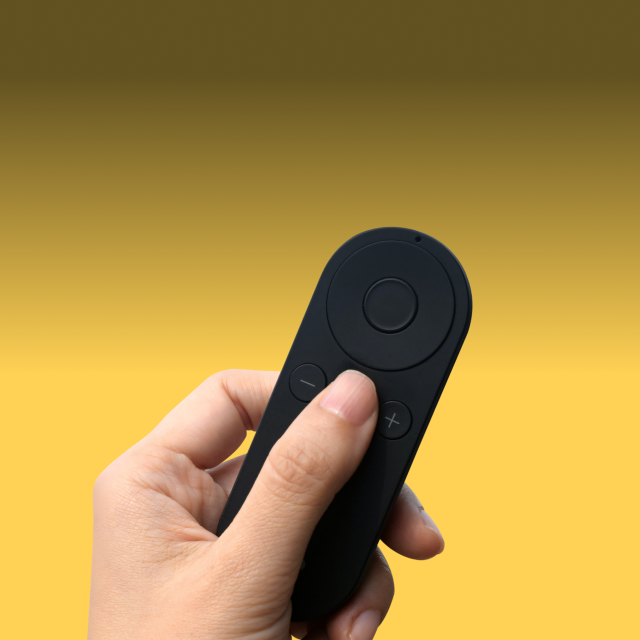
The Pivo Remote Control lets riders and coaches control their Pivo setup from a distance, making it easy to start, stop, and manage recordings without needing to return to your phone or setup.
Designed for equestrian training environments, it helps keep your focus on the ride while maintaining full control over your session.
Start and stop recording remotely
Control Pivo without returning to phone
Stay connected across typical arena distances
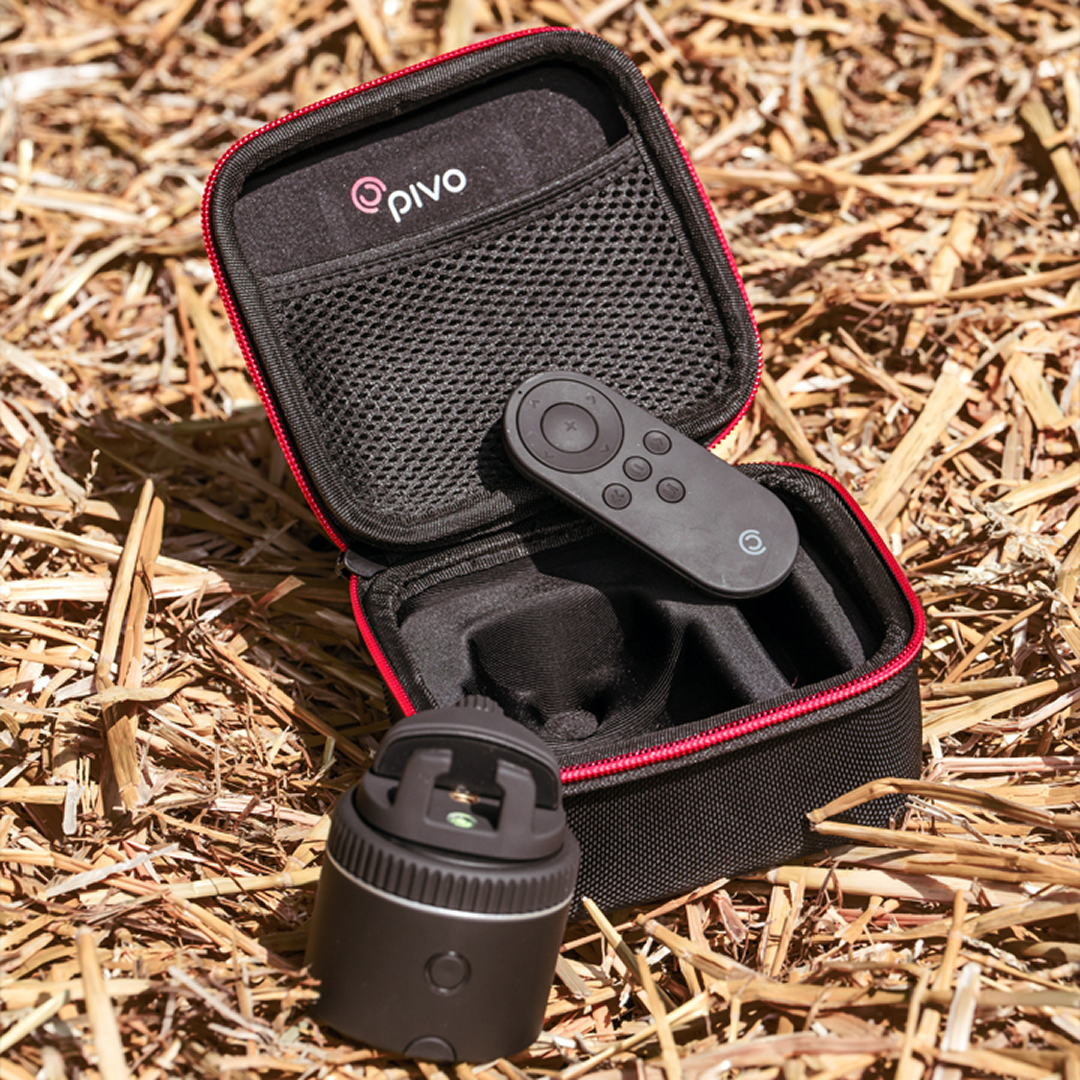
Compact and easy to carry in pocket or tack bag
Quick pairing with Pivo setup
Reliable control for solo or coached sessions

Stay Focused on Your Ride
Control Your Pivo Without Leaving the Arena Line
The Remote Control allows you to start and stop recording and manage your Pivo session from a distance, so you don’t need to walk back to your phone or disrupt your training flow.
This helps riders and coaches stay focused on the session without interruptions.

If you don't already have it, get the Pivo Pod for fully hands-free tracking and seamless arena filming.

No More Walking Back to Your Setup
Effortless Start & Stop Control Mid-Session
Designed for convenience during training, the remote makes it easy to control recording while riding or coaching, helping you capture exactly when your session begins and ends without interrupting your workflow.
Ideal for solo riders and structured lesson setups.

Control From a Distance
Reliable Operation Across Training Spaces
With long-range capability, the remote allows you to operate your Pivo setup from up to 50 ft / 15 m away, making it suitable for both indoor and outdoor arena environments.
Its compact design ensures it’s easy to carry and use during everyday training.

WHY IT WORKS
More reasons equestrians rely on it every session.
Designed Around Real Arenas.
-

Compact & Easy to Carry
Small and lightweight design fits easily in a pocket, tack bag, or gear setup so it’s always within reach during training.
-

Quick Pairing Setup
Simple connection process allows fast pairing with your Pivo device so you can start training without delays.


BEFORE YOU ASK
The questions riders might have.
Can I control camera rotation too, not just recording?
Can I control camera rotation too, not just recording?
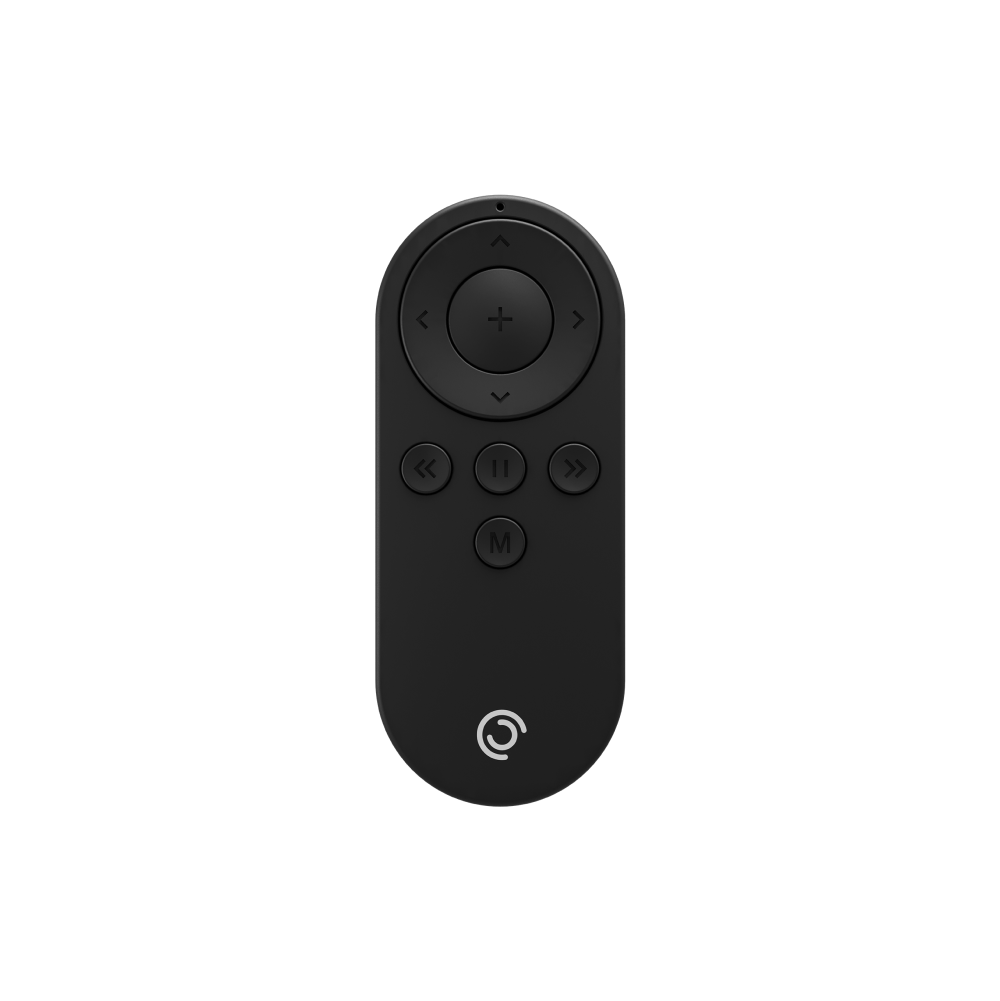
Yes. The remote controls start/stop/pause, rotation direction and speed, tracking mode toggle, and locked tracking — full Pod management from the saddle or from the rail.
What battery does it use?
What battery does it use?
The Pod Remote uses a replaceable 3V coin battery (two included). The Pod Max Remote uses replaceable AAA batteries (not included). No charging cable needed.
Do I have to re-pair it every session?
Do I have to re-pair it every session?
No. The remote stays paired to your Pod between sessions. Only needs re-pairing after a battery change.
Complete your Set up
Often bought together
-
Pivo Tripod
Regular price $99.99Regular price $99.99 Sale priceUnit price per$99.99 -
Pivo Travel Case Mini
Regular price $29.99Regular price $29.99 Sale priceUnit price per$29.99 -
Wireless Mic & Headset
Regular price $179.99Regular price $179.99 Sale priceUnit price per$179.99